For yourself
One good photo.
Every profile,
the same face.
Take a phone photo against any wall. Aaavatar removes the background automatically, puts a clean background behind you and exports it for LinkedIn, Slack and your email signature.
free to start

Portraits
Me
What you get
A profile photo that looks good.
A background that isn’t your kitchen
The background comes off automatically. Then pick a preset, your own colour or a photo you like.
automatic · preset · your own


The right size for every profile
LinkedIn wants a square, Slack wants 512 pixels, email wants something small. One export gives you all three.
linkedin · slack · email
A different look from the same photo
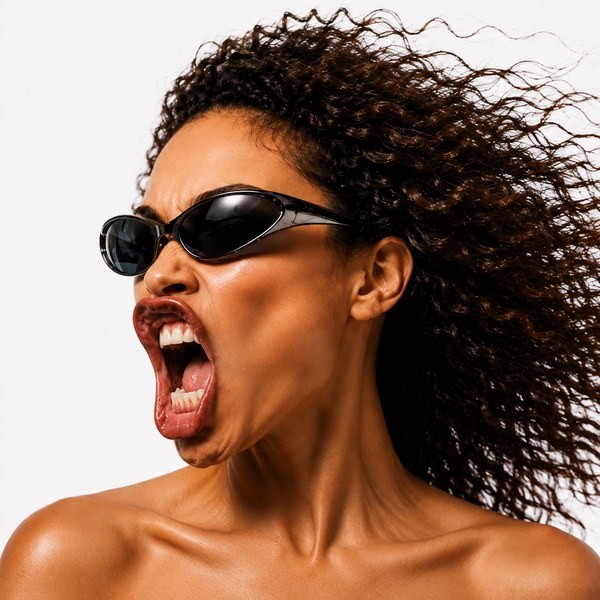
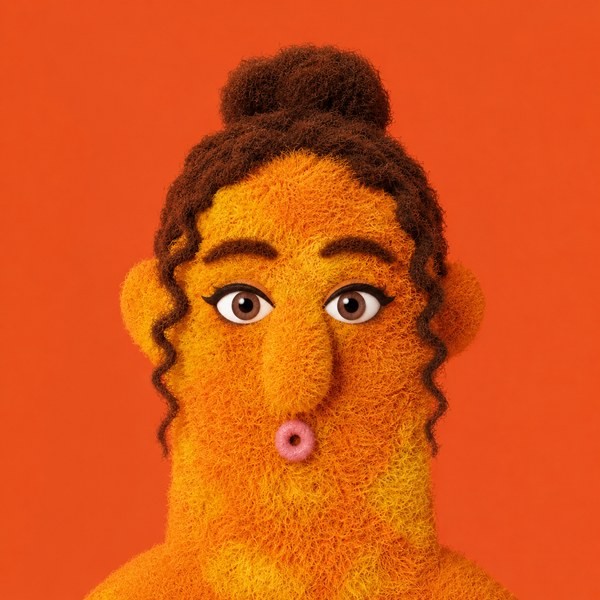
Add an effect to the same portrait for a different look, and keep the original for the formal places.
effects · same photo




Pick the background on your own laptop
No studio needed. Open the photo at home, choose a background from the app and export the sizes you need.
Mac app

Your photo, finished
One photo. Every profile.

Taken at home, against the nearest wall.


Same photo, background gone, finished as a circle.


Where it ends up.
Your new photo in three steps
From a photo on your phone to every profile, in five minutes.
Take one photo
Stand against a plain wall in daylight, phone at eye height. That is all the photography it needs.
Drop it in Aaavatar
The background comes off automatically. Pick a background, fix the crop, add an effect if you like.
Export for every profile
One export gives you a square that works on LinkedIn, Slack and in your email signature.
Mac app
free to start · cloud edits on credits
export for linkedin · slack · email