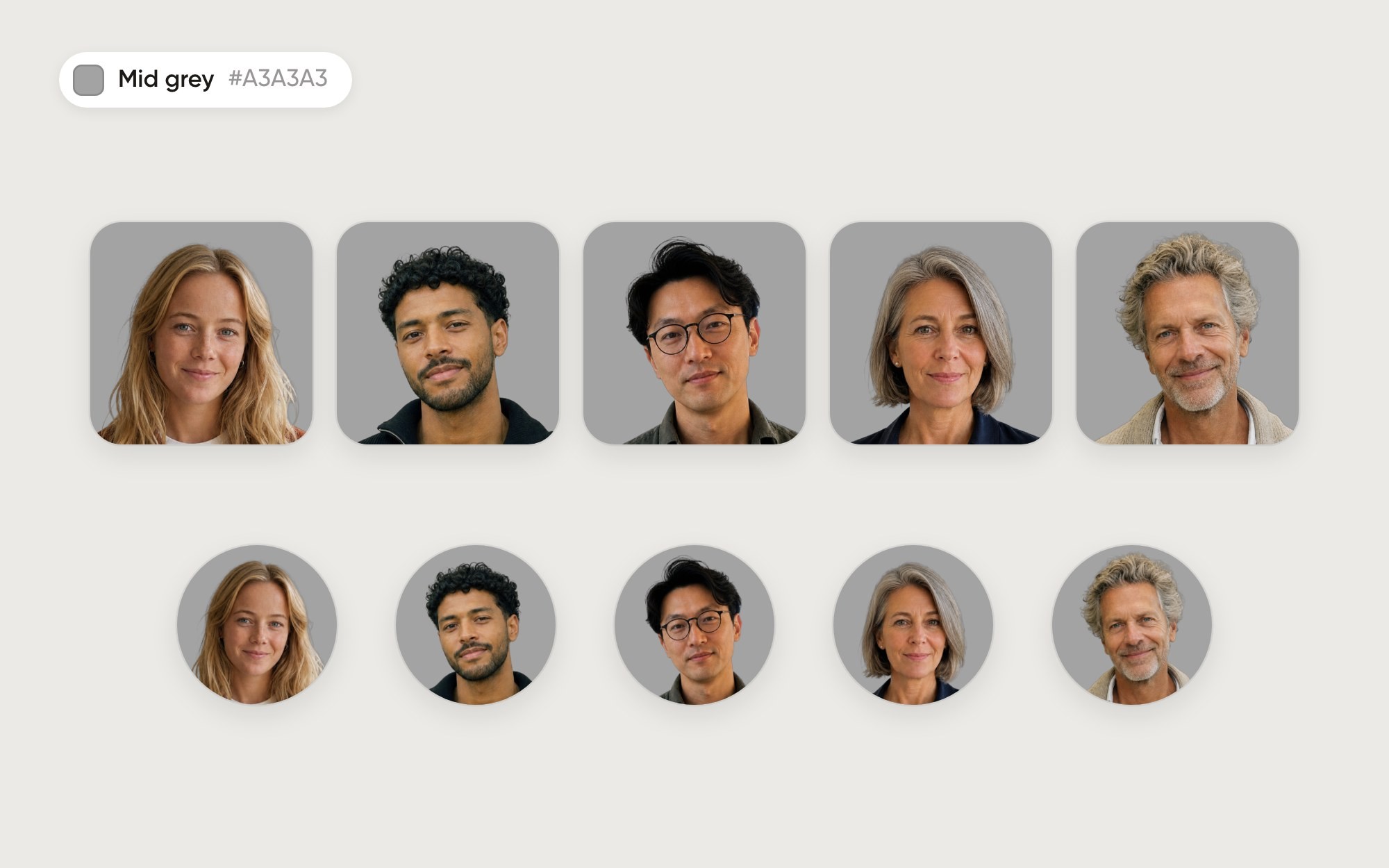
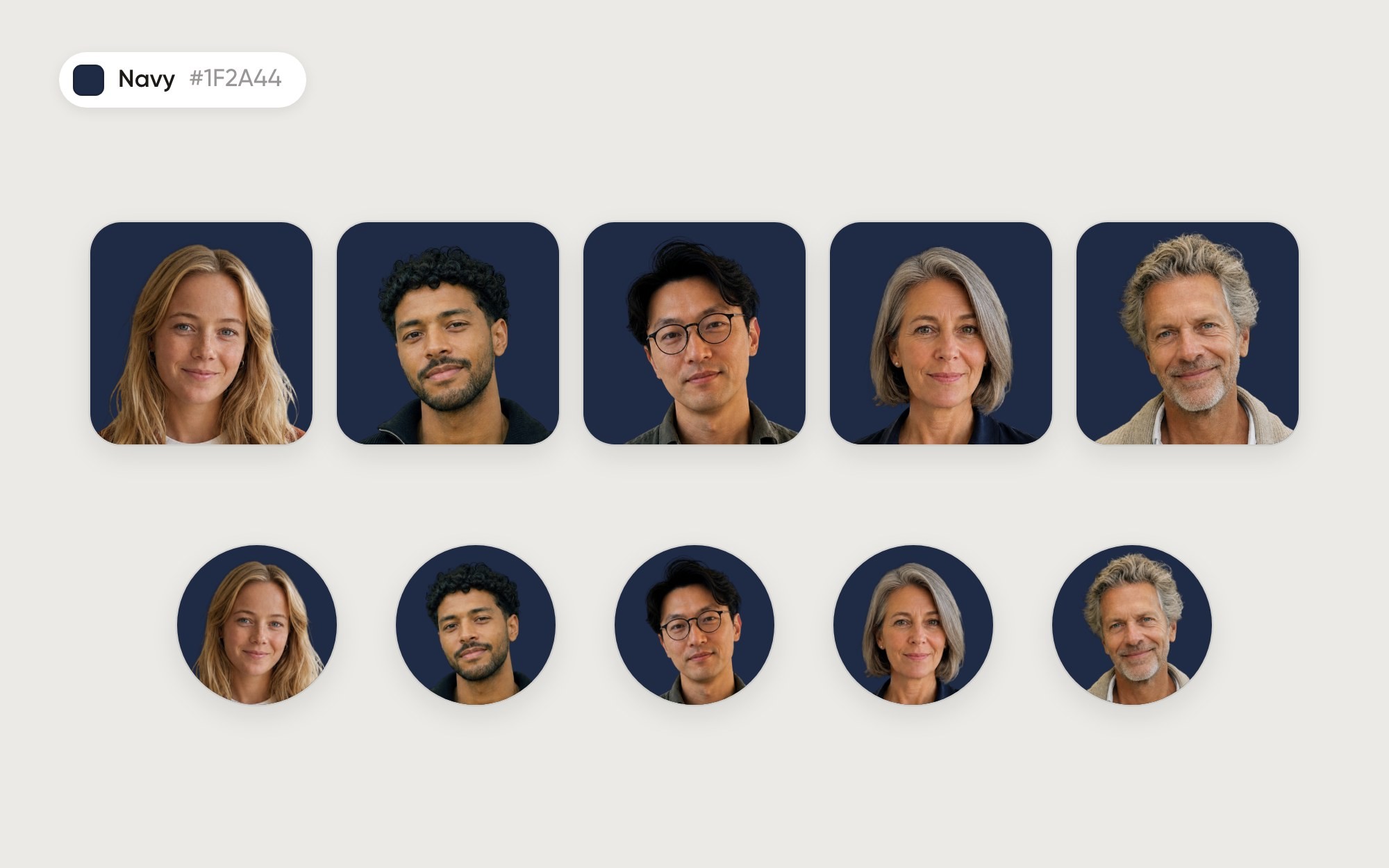
The short answer
Light grey is the safe choice when your portraits mostly sit on white screens. In our test the weakest outline was 1.6:1 (grey curly hair), and dark hair stayed crisp at 4.9 to 5.2:1. White does slightly better at 1.7:1, and Moonrise scores about the same at 1.6:1. Only white and Moonrise came out ahead of it in the twelve backgrounds we tried.
How each person comes out
Person | Hair | Outline contrast |
|---|---|---|
Lotte | long blond | 1.9:1 |
Malik | black, curly | 4.9:1 |
Jun | black | 5.2:1 |
Ingrid | short grey | 1.8:1 |
Pieter | grey, curly | 1.6:1 |

When to use it
When most places you use the photo are white: a light chat app, an email signature, a team page on a white website. The soft grey gives each circle a visible edge there, where white would disappear. It suits any team with mixed hair colours and looks calm next to a lot of text.
Watch out for
Grey and blond hair lose a little edge compared with white, so very light hair can look soft at small sizes. Light grey shirts and jumpers blend in, so ask people to wear a colour or something darker. On a light grey website, pick white or a soft gradient like Moonrise instead.
How to set it in Aaavatar
Put the team in one folder.
Open the folder menu and choose Default background…. Pick Color, click + and enter #E7E7E7.
Use folder background on N applies it to the portraits already in the folder. New photos in the folder get it automatically.
Choose Export set, pick Square, Circle or Rounded and a size: 512, 1024 or 2048 px.
Download the background
Light grey, 2048 × 2048 px (PNG), for slides, email templates or anything outside Aaavatar.
How we tested
Five fictional people, framed to the same eye line and face size. For each portrait we measure the luminance contrast (the WCAG formula) between a thin band just inside and just outside the outline of the head, in the top half of the photo. Under 1.5:1 the outline starts to melt into the background; above 3:1 it stays crisp at any size. It is one simple measure on five people, not a lab study, but it matches what you see. The background is the exact colour you can set in Aaavatar.
See all twelve backgrounds side by side in the Background Lab.