The short answer
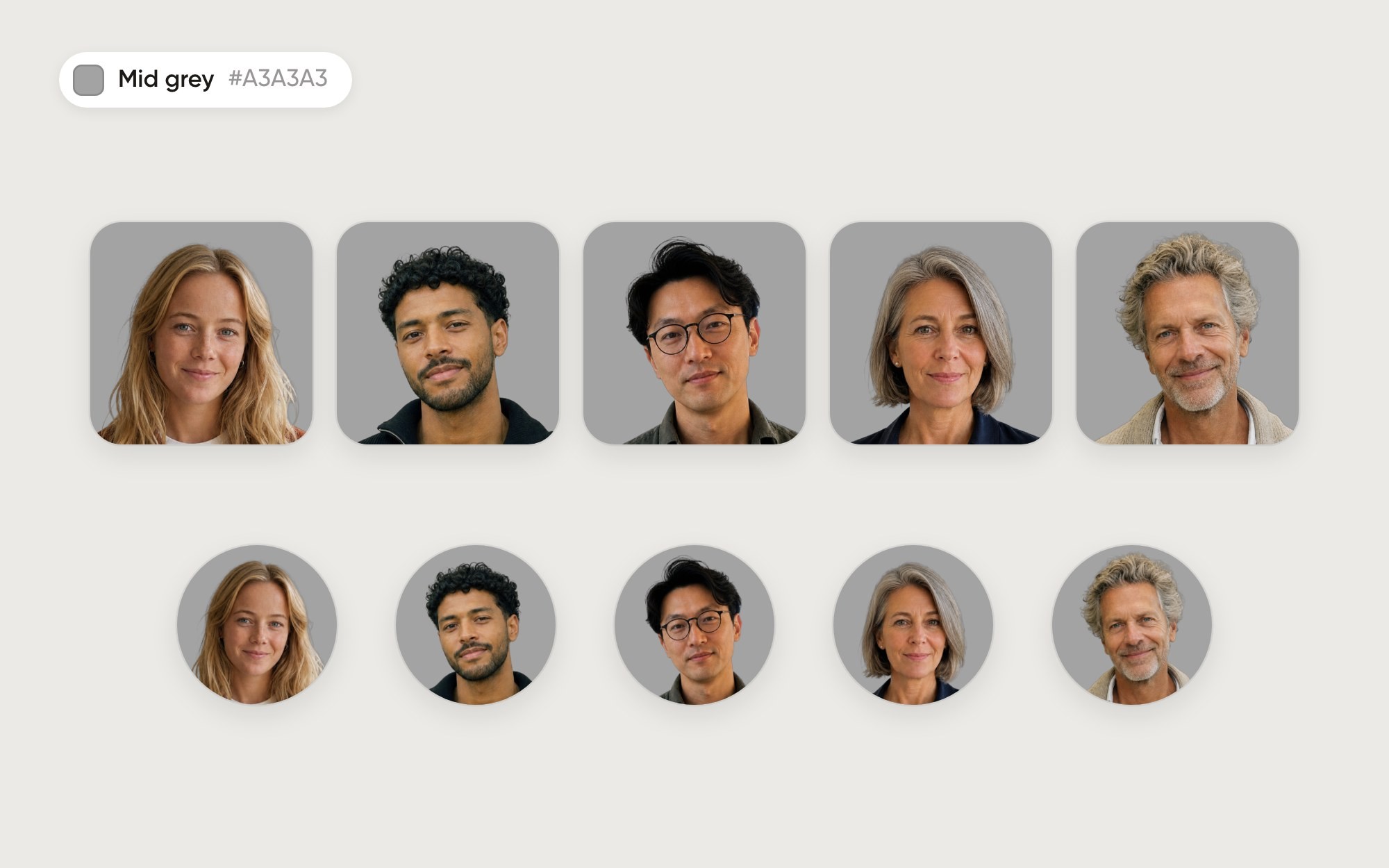
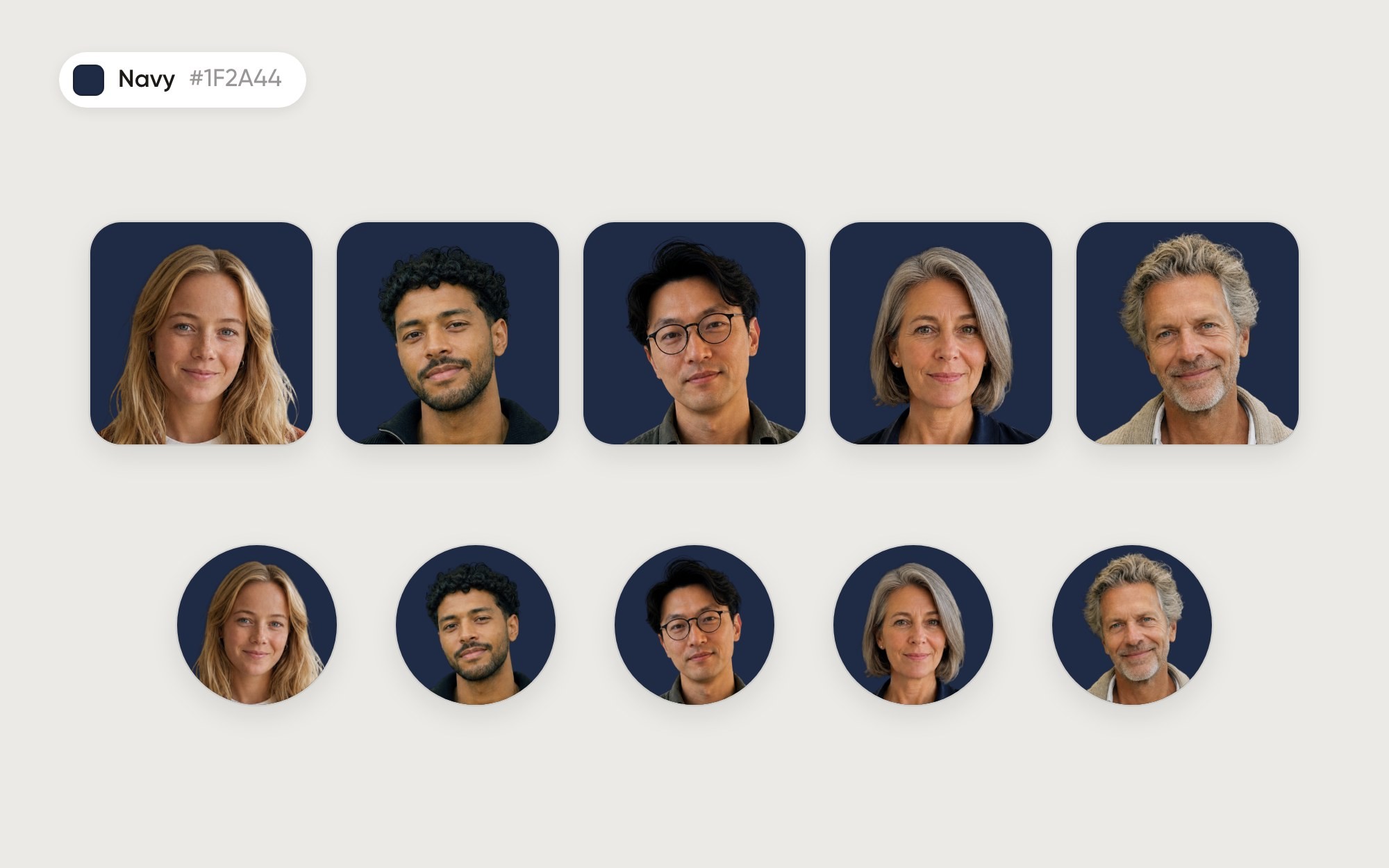
Navy flatters light and grey hair, at 2.2 to 2.7:1. Black hair drops to 1.1:1, so the outline of the head merges with the background. That is the lowest score of the twelve backgrounds we tried.
How each person comes out
Person | Hair | Outline contrast |
|---|---|---|
Lotte | long blond | 2.3:1 |
Malik | black, curly | 1.1:1 |
Jun | black | 1.1:1 |
Ingrid | short grey | 2.7:1 |
Pieter | grey, curly | 2.2:1 |

When to use it
When most of the team has light or grey hair, when you want a formal, dark look, or when the portraits mostly appear in dark interfaces anyway.
Watch out for
Dark hair and dark clothing. Navy suits and black jumpers vanish into the background as well. Charcoal keeps a little more edge (1.2:1), but no dark background works well for black hair. For a mixed team, a light background is the safer choice.
How to set it in Aaavatar
Put the team in one folder.
Open the folder menu and choose Default background…. Pick Color, click + and enter #1F2A44.
Use folder background on N applies it to the portraits already in the folder. New photos in the folder get it automatically.
Choose Export set, pick Square, Circle or Rounded and a size: 512, 1024 or 2048 px.
Download the background
Navy, 2048 × 2048 px (PNG), for slides, email templates or anything outside Aaavatar.
How we tested
Five fictional people, framed to the same eye line and face size. For each portrait we measure the luminance contrast (the WCAG formula) between a thin band just inside and just outside the outline of the head, in the top half of the photo. Under 1.5:1 the outline starts to melt into the background; above 3:1 it stays crisp at any size. It is one simple measure on five people, not a lab study, but it matches what you see. The background is the exact colour you can set in Aaavatar.
See all twelve backgrounds side by side in the Background Lab.