remove.bg closes its own website on 1 December 2026 and its background removal moves into Canva. So if you make profile photos, Canva is where you’re being sent. It’s a good tool. This is how it compares with Aaavatar for this one job.
Canva: a design tool that can do portraits
Canva is built for designs: posts, presentations, flyers. Background removal is one of its tools, and a paid one. On Canva’s Dutch pricing page it’s included in Pro and Business, not in the free plan. For a batch, you can remove the backgrounds of up to 50 uploaded images at a time from a folder in Projects.
To turn the cutouts into a matching set, you place them in circle frames or a template, for example with Bulk Create, and download them. A PNG with a transparent background also needs a paid plan.
Canva also has an AI Headshot Generator, which makes new, generated headshots. Aaavatar works with the real photo of the real person.
What it costs
Canva Pro is €12 a month or €110 a year, for one person. Business is €17 a month or €170 a year per person.
Aaavatar Pro is €4.99 a month (excl. VAT) or €49.90 a year, with unlimited images. The first three images are free.
Where the work differs
Canva | Aaavatar | |
|---|---|---|
Made for | Designs of all kinds | Profile photos for a team |
Background removal | Paid plans, up to 50 images per batch | Automatic on every photo you add |
Framing the face | Place each photo in a frame and adjust the crop | Auto-frame & center |
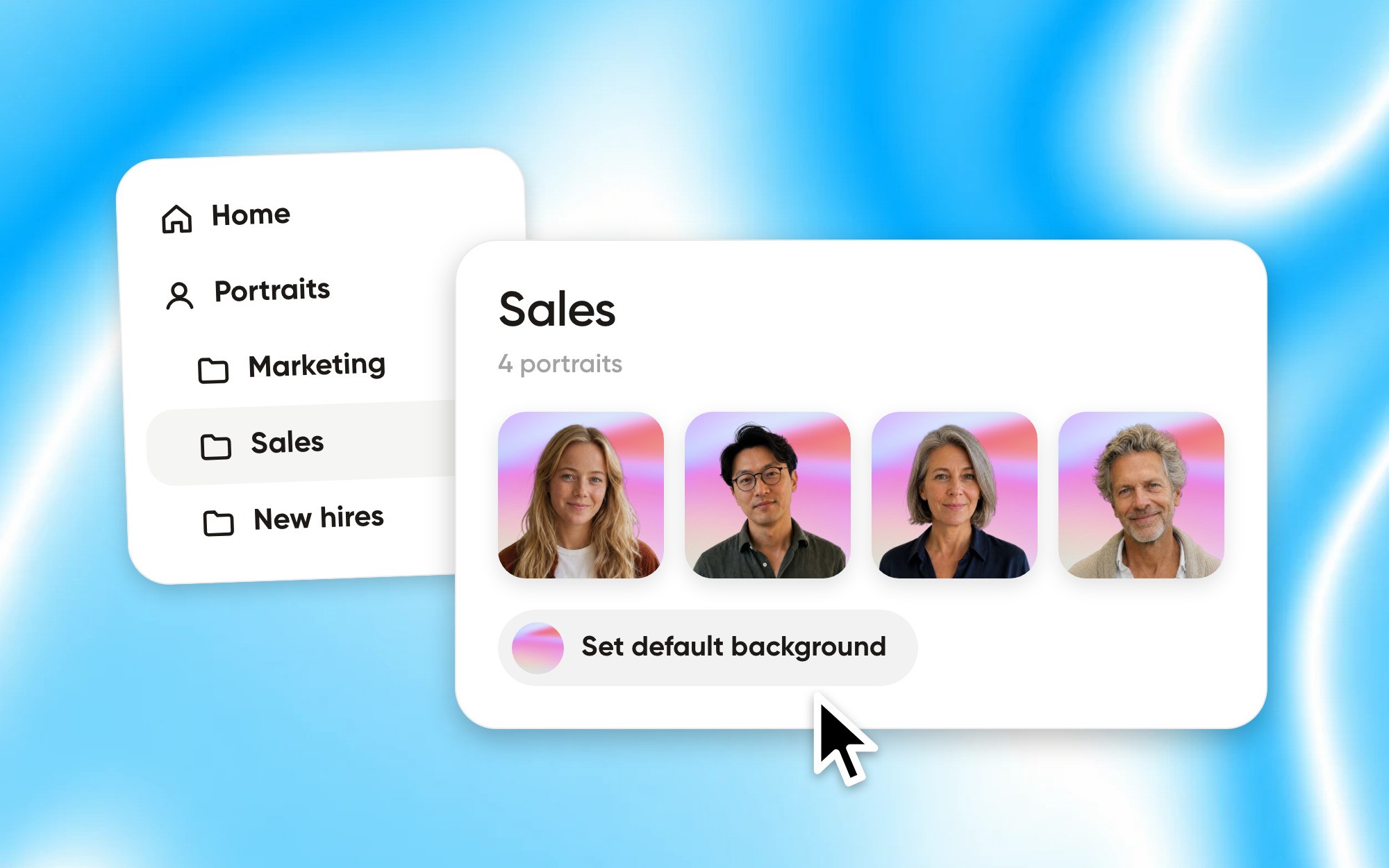
One background for everyone | Build it into a template | A default background per folder |
Where it runs | Online, in the browser or Canva’s apps | On your Mac |
When Canva is the better choice
If the portraits are part of something bigger you design in Canva, like social posts or a company deck, or your team works on Windows, stay in Canva. It’s also the natural place to remove backgrounds from products and other images.
When Aaavatar is the better choice
If the job is the photos themselves: a whole team that should look like one set, new hires who should match, and PNGs ready for LinkedIn, Slack and email. That’s all Aaavatar does, so it takes fewer steps.
Canva and remove.bg details checked on canva.com and remove.bg on 24 September 2026. Canva prices as shown on its Dutch pricing page.