Most bad profile photos aren’t bad because of the phone. They’re bad because of the light, the angle and the crop. All three take five minutes to fix.
1. Face the window
Daylight from the front is the most flattering light you have, and it’s free. Stand facing a window, not with your back to it. An overcast day beats bright sun. Switch off the ceiling lights so you don’t mix warm and cool light on your face.
2. Use the back camera
It’s sharper than the selfie camera. Ask a colleague, or prop the phone up on a stack of books and use the timer. With the front camera, hold it at arm’s length and don’t zoom in.
3. Camera at eye level
From below you look smug, from above you look small. Keep the lens at eye level and look into it, not at the screen. Push your chin slightly forward and down. It feels odd and looks natural.
4. Leave room above your head
LinkedIn shows your photo as a circle, and a circle cuts off the corners. Keep space above your hair and get your shoulders in. You can always crop a photo tighter; you can’t crop it wider.
Cut off at the chin anyway? Fill in body in Aaavatar adds the missing part. It’s a cloud edit and uses credits.
5. Don’t worry about the wall
The background matters less than you think, because you can replace it later. What does matter is contrast: your hair and shoulders should stand out from what’s behind you. Dark hair against a dark door is hard for any cutout tool.
6. Take twenty, keep one
Take a series, change your expression a little between shots and pick the one where your eyes look relaxed. A small real smile beats a big posed one.
7. Go easy on filters
Skip beauty filters and heavy presets. People should recognise you when you walk in. A little extra brightness is usually all a photo needs.
Then make it match
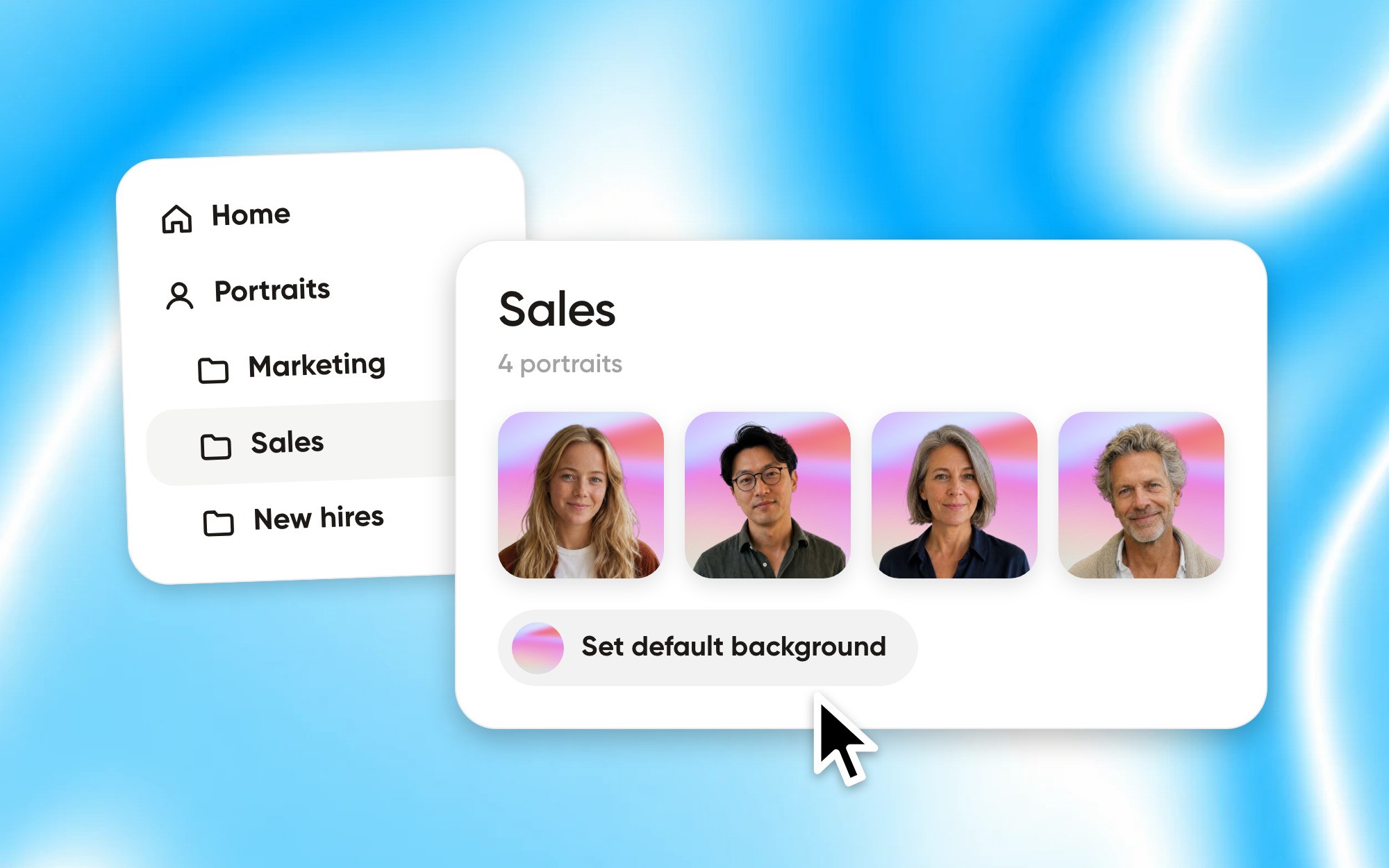
One good photo is the start. If every colleague took theirs in a different room, the team page still looks random. Drop everyone’s photos into Aaavatar and it removes the backgrounds, puts everyone on the same one and gives every face the same framing. Export the set and you’re done. The first three images are free.