For
HR and People Ops


Mac app
free to start
one look for the whole team
export for LinkedIn, Slack and email
Same photo, one background
The photo you get.
The photo you need.





Five colleagues, five rooms, five different days.

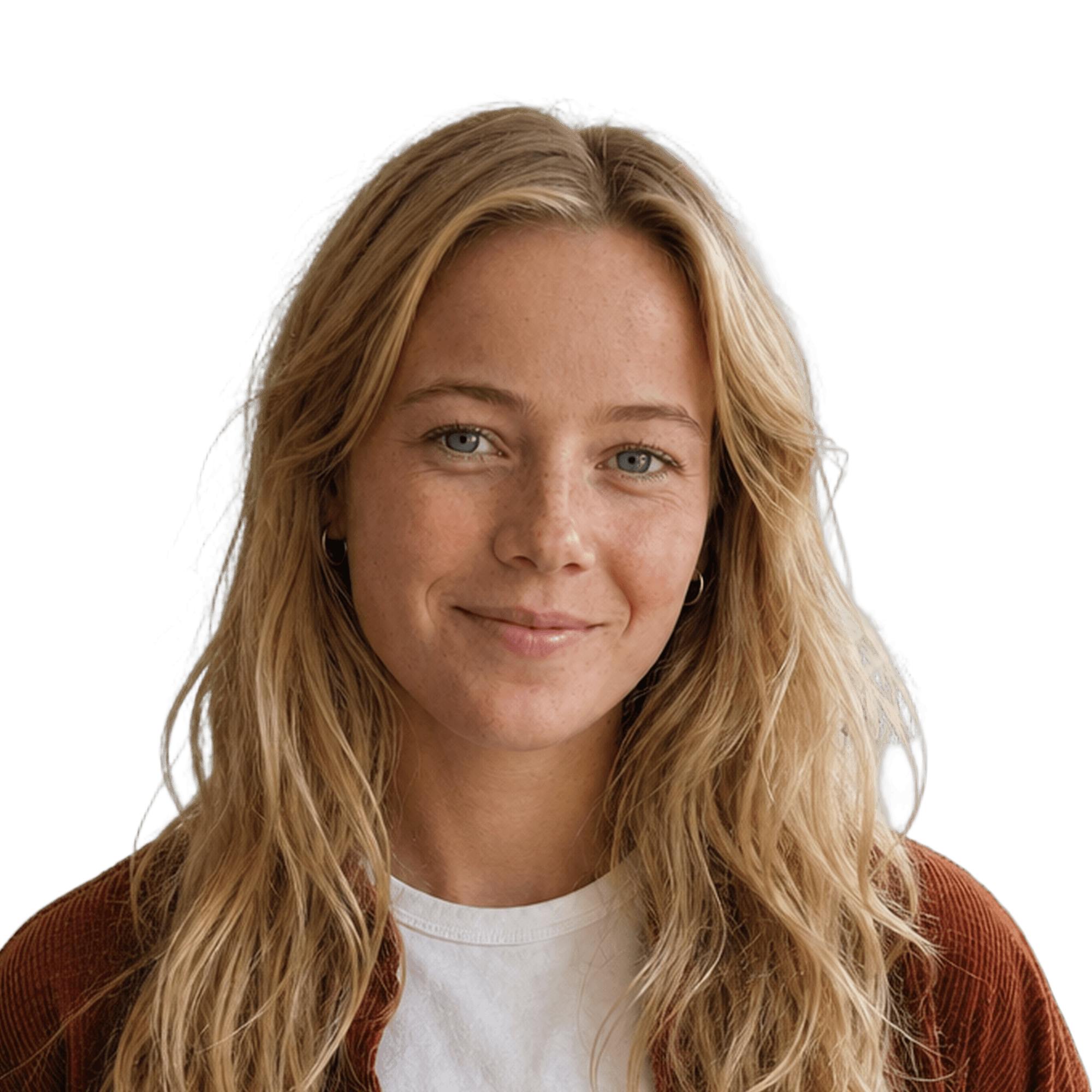
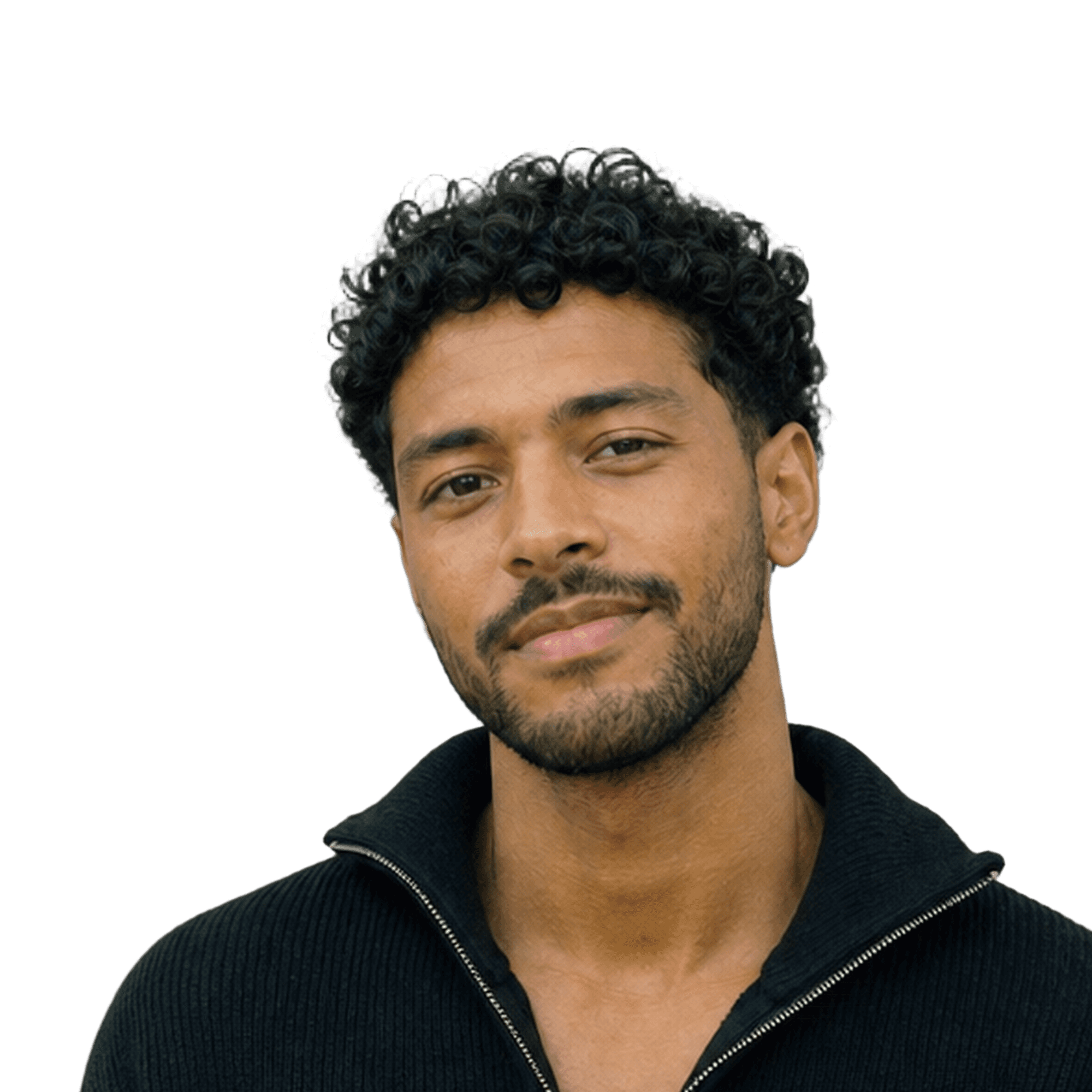

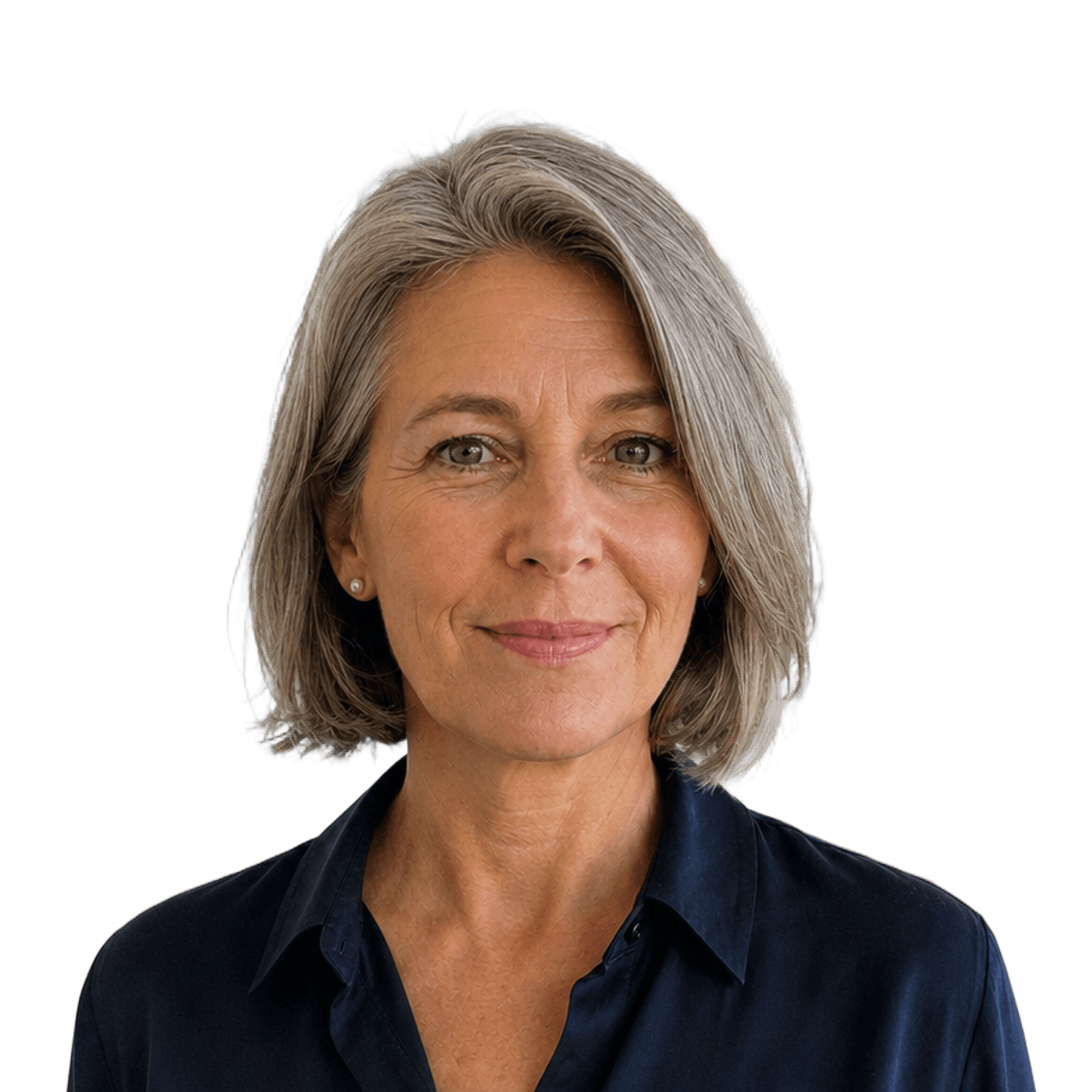

One background, one crop, one export.
How it works
From a folder of random photos to one matching team, in four steps.
Drop photos
Drop in the photos
Put the whole team in one folder. Backgrounds are removed automatically.
Pick a background
Choose a preset, match your brand colour, or upload your own.
Fill in body
Retouch
Fix the framing
Fill in missing shoulders and align every face to the same crop.


Export
Export the set
One click exports every photo, at a size that works for LinkedIn, Slack and email.
Good to know
Most teams do not have a photo problem, they have a consistency problem. Everyone has a picture. They were taken in different rooms, in different years, with different phones, and put side by side on a team page they look like thirty separate decisions.
one folder · one background · one crop
Cutting a person out of a photo is solved. Dozens of tools do it in one click, and so does Aaavatar. That is not where the work is.
The work is in everything around it. Which portrait belongs to which team. Which background you used last time. What crop you agreed on. Where the version from last year went. That is the part that quietly eats an afternoon, and it is the part that breaks the moment someone new joins.
So keep a set together instead of a file. One folder per team: the same background, the same crop, exported to the same set of sizes in one action. When someone joins, you drop their photo into that folder and it comes out matching, without you having to remember what you did six months ago.
You do not need a photographer for this. A phone, a plain wall and even lighting is enough raw material, because the consistency comes from what happens after the photo, not during it.
the app · for Mac


Features used
Three features that do the work.
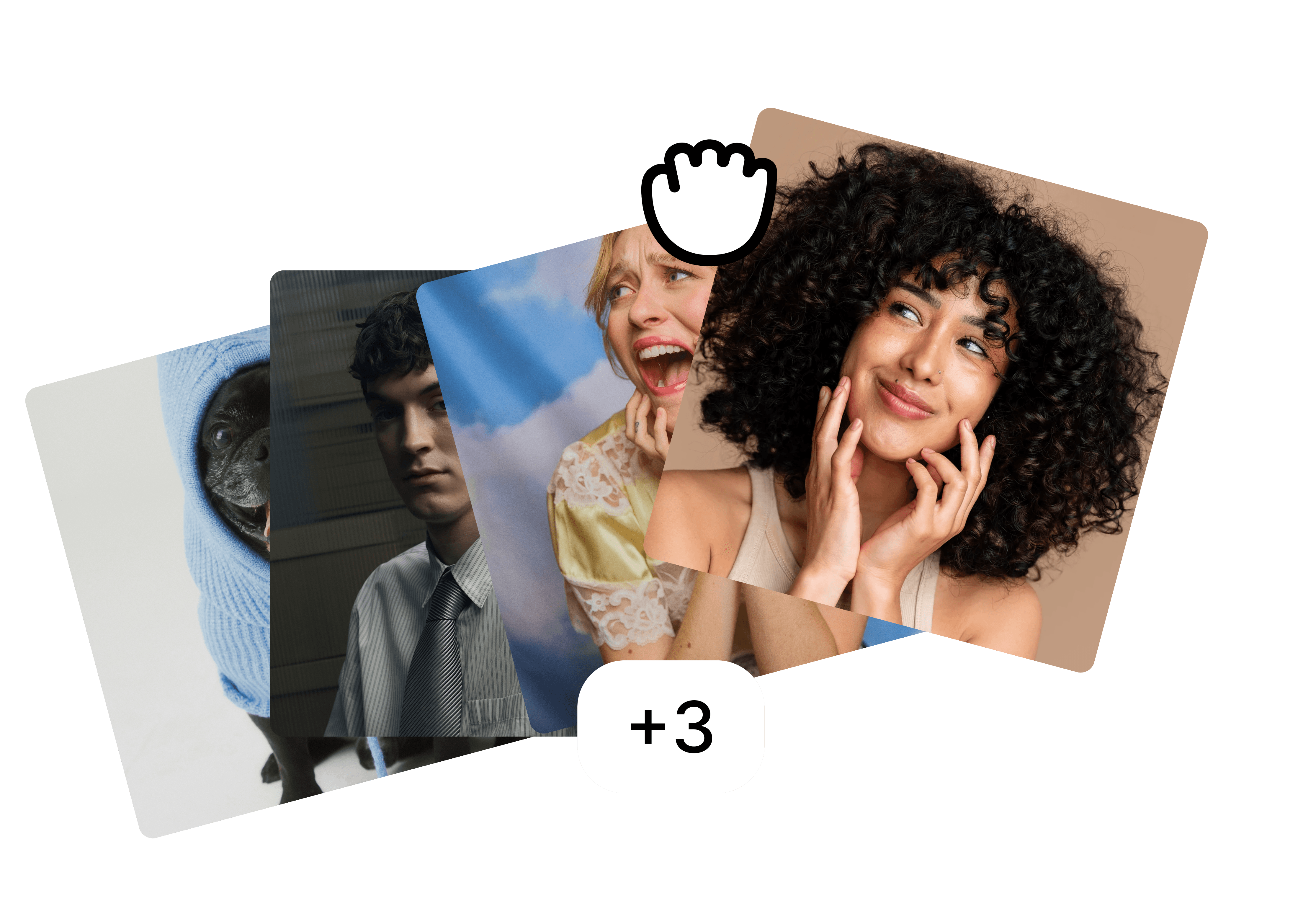
Folders
Drop the whole team in one folder and edit them as a set.
Backgrounds
A preset, your brand colour or your own image, the same for everyone.

Fill in body
⚡ 2
Filling in body…
Fill in body
Restore cut-off shoulders and align every face to the same crop.
FAQ
Do we need a professional photoshoot?
What about people who work remotely?
How do we keep it consistent when someone joins?
More use cases
Built for the photos teams actually have.
view all


free to start · Mac app