For
teams that want to stand out

10 styles to choose from
one look for the whole team
everyone stays recognisable
the whole team in one go
One style for the whole team
Same team.
A look nobody else has.
Urban Chic
Blue Drawing
Colored Lines
Clay
3D Head
Sticker
Balloon
Windy
Flowers
Hairy

Pick a style to see the same five people in it. Everyone keeps their own face.
How it works
From a folder of photos to a team in one style, in four steps.
Drop photos
Drop in the team
Put everyone in one folder. Backgrounds are removed on your Mac.





Pick a style
Ten effects, from Urban Chic and Blue Drawing to Clay and Sticker.
Apply effect
Urban Chic
Apply it to everyone
Select the team, then Edit ▸ Apply effect. Everyone gets the same style, one by one.


Export
Export the set
Export the whole team for your website, LinkedIn and Slack, each at the right size.
Good to know
Most team pages look alike: a row of headshots against a grey wall. Give the whole team one illustrated style and your team page, pitch deck and Slack look like yours, not like everyone else’s. Ten styles, and everyone still looks like themselves.
10 styles · whole team at once · 4 credits each
Stand out where people meet you. The team page is one of the first pages people open. One consistent, illustrated look makes it memorable, and it says something about how you work before anyone reads a word.
One style, everyone’s own face. Every effect keeps each person’s features, expression, hairstyle and clothes. The team reads as one set, and a new client still recognises the person they’re about to meet.
Use it wherever the team shows up. The team or About page, the team slide in a pitch deck, speaker cards for an event, a welcome post for a new hire, or everyone’s Slack avatar for a week.
Keep the real photo too. An effect sits on top of the portrait, so you can switch back to the original for LinkedIn and keep the illustrated one for your website.

the app · runs on your Mac


FAQ
Will everyone still look like themselves?
Can we do the whole team at once?
What does it cost?
Features used
Three features that do the work.


Urban Chic
⚡ 4
Applying Urban Chic…
Effects
Ten styles, from Urban Chic to Clay. Everyone keeps their own face.
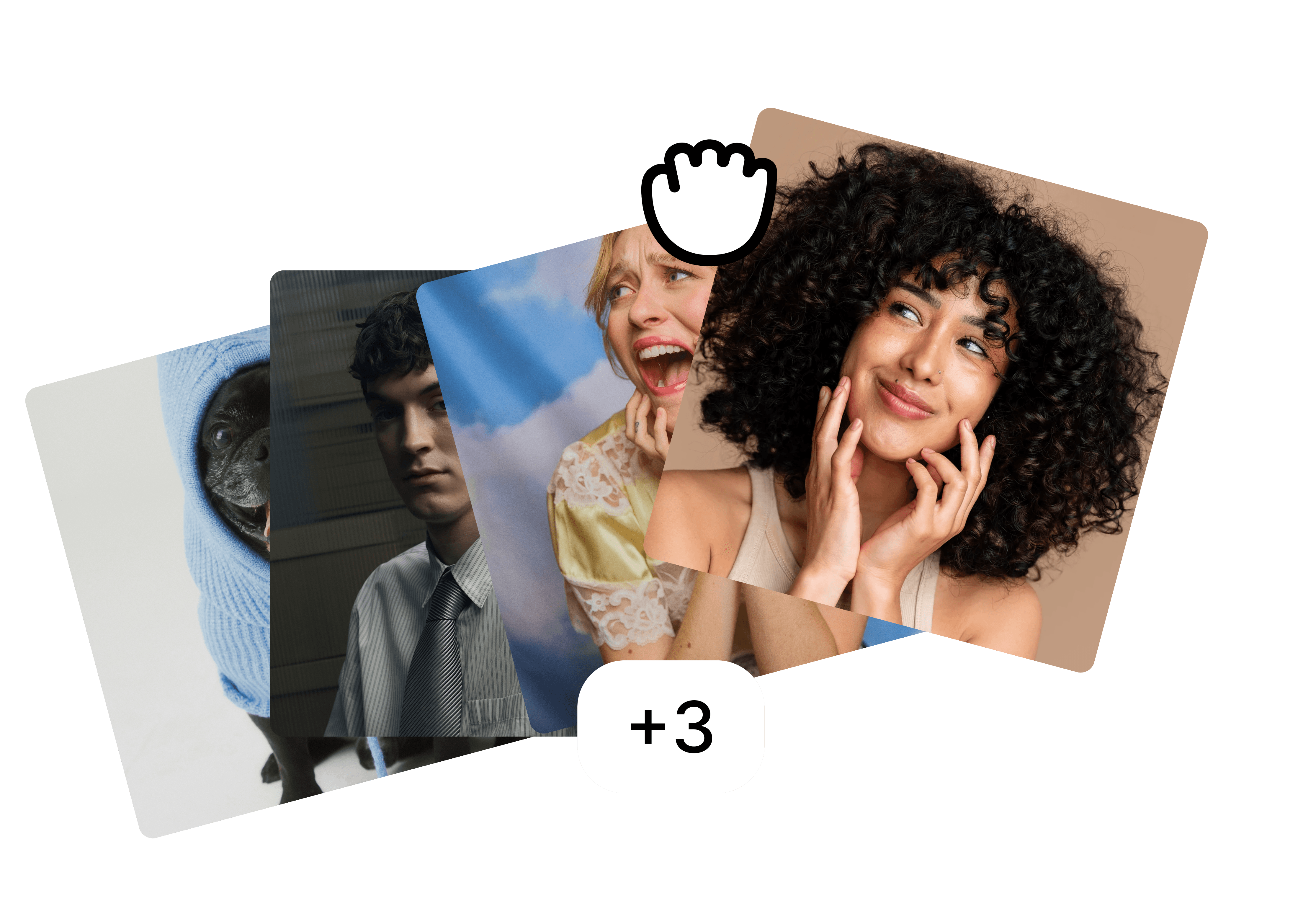
Folders
Keep the team in one folder and give everyone the same style in one go.

Backgrounds
Put the whole team on your brand colour, effect and all.
More use cases
Built for the photos teams actually have.
view all





free to start · runs on your Mac