For
HR and marketing



Mac app

free to start
one look for the whole team
export for LinkedIn, Slack and email
Same photo, one background
The photo you get.
The photo you need.

A meeting room and a whiteboard behind her.


Cleaned up and small enough to sit in every email.





And the rest of the team on the same background, the same crop, one export.
How it works
From a folder of random photos to one matching team, in four steps.
Drop photos
Drop in the photos
Put the whole team in one folder. Backgrounds are removed automatically.
Pick a background
Choose a preset, match your brand colour, or upload your own.
Fill in body
Retouch
Fix the framing
Fill in missing shoulders and align every face to the same crop.


Export
Export the set
One click exports every photo, at a size that works for LinkedIn, Slack and email.
Good to know
There is no official standard for a photo in an email signature. Every client renders signatures slightly differently, and a few strip images altogether. What works is a small, light file that still looks sharp on a high-resolution screen and does not disappear in dark mode.
100–150 px shown · export at 2× · under 50 KB
Keep the displayed size small. Somewhere around 100 to 150 pixels wide is normal. Bigger than that and the signature starts competing with the message.
Export at twice the display size. If the photo shows at 120 pixels, export it at 240. On a retina screen the smaller file looks visibly soft.
Watch the file weight. This image travels with every single email you send, and it lands in every reply in the thread. Under 50 KB is a reasonable target, and a portrait on a flat background compresses far better than one against a busy room.
Mind dark mode. Some clients invert or darken signature backgrounds. A portrait cut out onto a light neutral background survives that better than one with a dark rectangle behind it.
Be consistent across the team. Signatures are the one place where a whole company’s photos appear side by side in a customer’s inbox over time.

the app · for Mac


Features used
Three features that do the work.
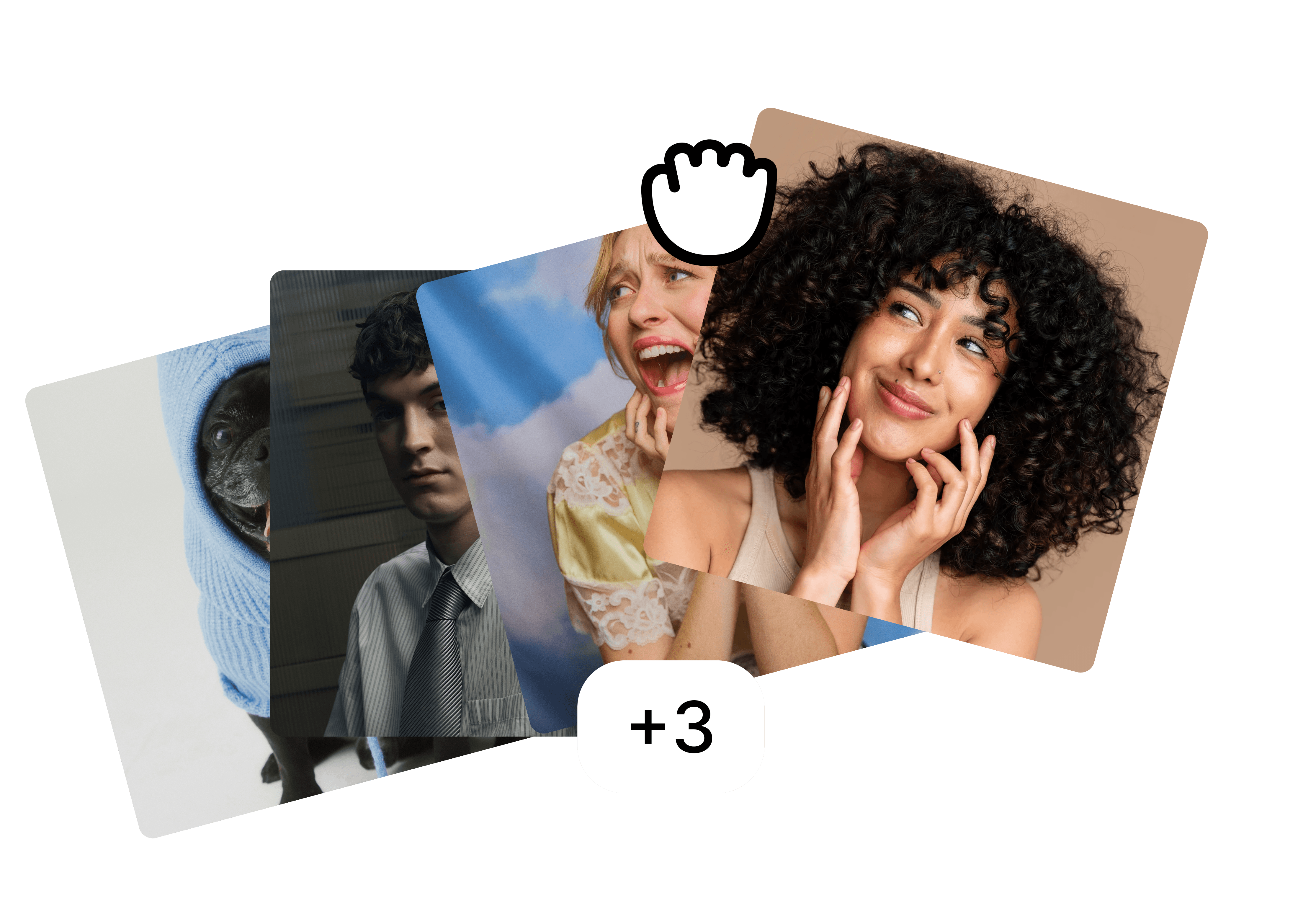
Folders
Drop the whole team in one folder and edit them as a set.
Backgrounds
A preset, your brand colour or your own image, the same for everyone.

Fill in body
⚡ 2
Filling in body…
Fill in body
Restore cut-off shoulders and align every face to the same crop.
FAQ
What size should a signature photo be?
PNG or JPEG?
Why does my photo look broken in some emails?
More use cases
Built for the photos teams actually have.
view all


free to start · Mac app