For
office managers


Mac app

free to start
one look for the whole team
export for LinkedIn, Slack and email
Same photo, one background
The photo you get.
The photo you need.

Office light, a desk and a doorframe behind him.

One background. Still readable at 32 pixels.





And the rest of the team on the same background, the same crop, one export.
How it works
From a folder of random photos to one matching team, in four steps.
Drop photos
Drop in the photos
Put the whole team in one folder. Backgrounds are removed automatically.
Pick a background
Choose a preset, match your brand colour, or upload your own.
Fill in body
Retouch
Fix the framing
Fill in missing shoulders and align every face to the same crop.


Export
Export the set
One click exports every photo, at a size that works for LinkedIn, Slack and email.
Good to know
Slack asks for a square image of at least 512 x 512 pixels and no larger than 1024 x 1024. That part takes a minute. The harder part is that Slack displays your photo very small, next to every message you send, and at that size most photos stop being readable.
512 × 512 px minimum · 1024 × 1024 maximum · square
Stay inside the range. Below 512 the image is rejected or looks soft. Above 1024 nothing improves; Slack scales it down anyway.
Think about the smallest size, not the biggest. In a message list your avatar is a few dozen pixels wide. A face against a busy room becomes a smudge. A face against one flat colour stays a face.
Keep the head large in the frame. Slack rounds the corners, so a tightly framed head with a little space around it survives; a full body shot becomes a dot.
For a whole workspace, one background colour does more for recognisability than any individual photo choice. It is the reason a channel of forty people can still be scanned at a glance.

the app · for Mac


Features used
Three features that do the work.
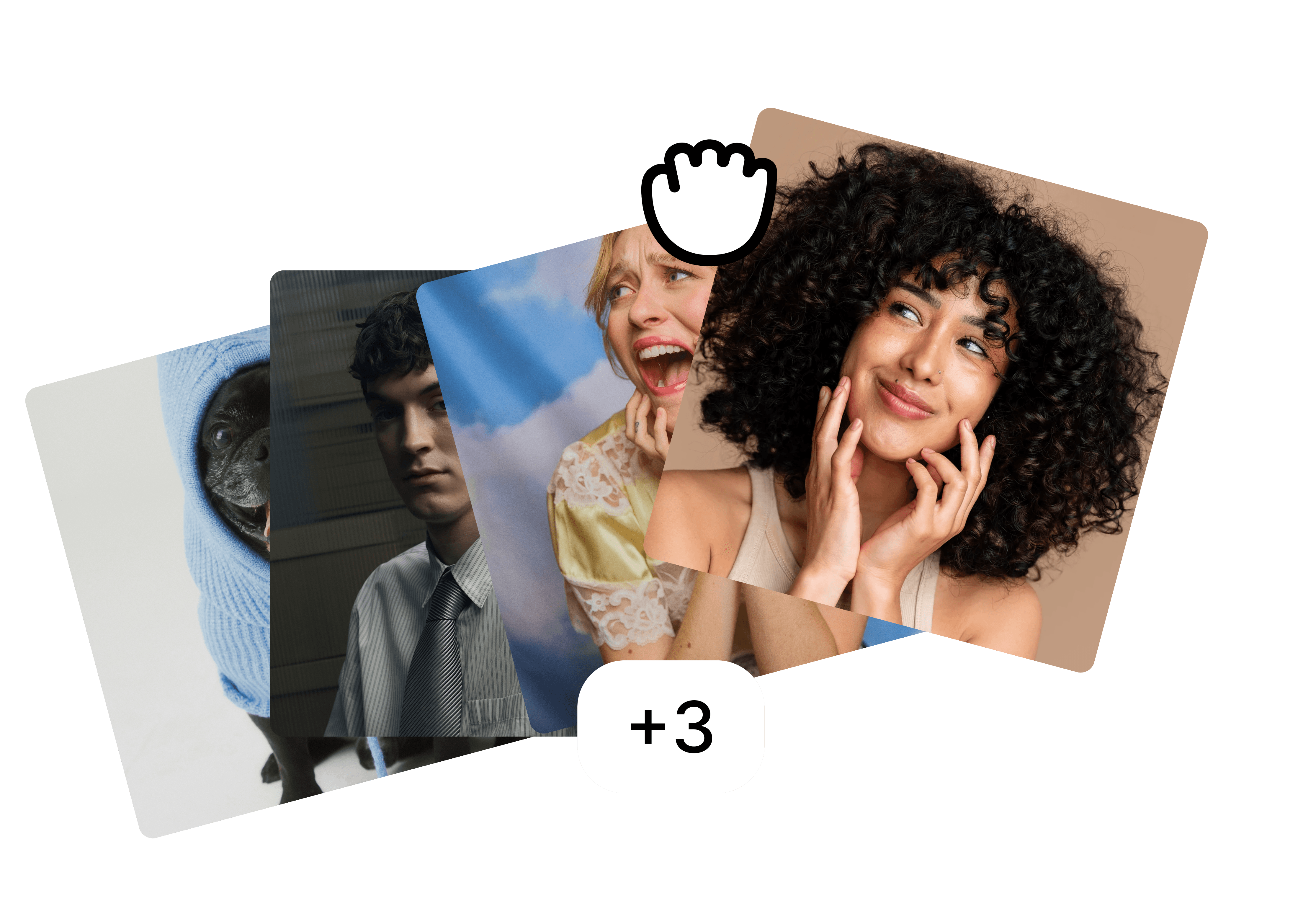
Folders
Drop the whole team in one folder and edit them as a set.
Backgrounds
A preset, your brand colour or your own image, the same for everyone.

Fill in body
⚡ 2
Filling in body…
Fill in body
Restore cut-off shoulders and align every face to the same crop.
FAQ
What size should a Slack profile picture be?
Why does my photo look blurry in Slack?
Can everyone in the workspace have the same background?
More use cases
Built for the photos teams actually have.
view all



free to start · Mac app