For
marketing managers


Mac app

free to start
one look for the whole team
export for LinkedIn, Slack and email
Same photo, one background
The photo you get.
The photo you need.

Daylight from the window, the hallway behind him.


The background your site already uses.





And the rest of the team on the same background, the same crop, one export.
How it works
From a folder of random photos to one matching team, in four steps.
Drop photos
Drop in the photos
Put the whole team in one folder. Backgrounds are removed automatically.
Pick a background
Choose a preset, match your brand colour, or upload your own.
Fill in body
Retouch
Fix the framing
Fill in missing shoulders and align every face to the same crop.


Export
Export the set
One click exports every photo, at a size that works for LinkedIn, Slack and email.
Good to know
A team page is unforgiving. Every portrait is visible at the same moment, at the same size, in the same grid, which means every inconsistency is visible too: a different background, a head sitting lower than the rest, one photo warmer than the others.
export at 2× the displayed size · grid and detail
Decide the crop before the background. Where the eyes sit in the frame is what your eye actually reads across a row of portraits. If the eye line jumps around, no amount of matching background colour fixes it.
Pick one background and commit. Your brand colour, a neutral, or a subtle gradient. What matters is that it is the same one for everybody, including the person who joins in November.
Export more than one size. A team page usually needs a grid thumbnail and a larger version for a detail view or a press kit, and those are different crops, not just different scales.
Plan for the update, not the launch. Team pages do not fail on the day they go live, they fail three hires and one rebrand later. Keep the source portraits and the settings together so the next version is an export, not a project.

the app · for Mac


Features used
Three features that do the work.
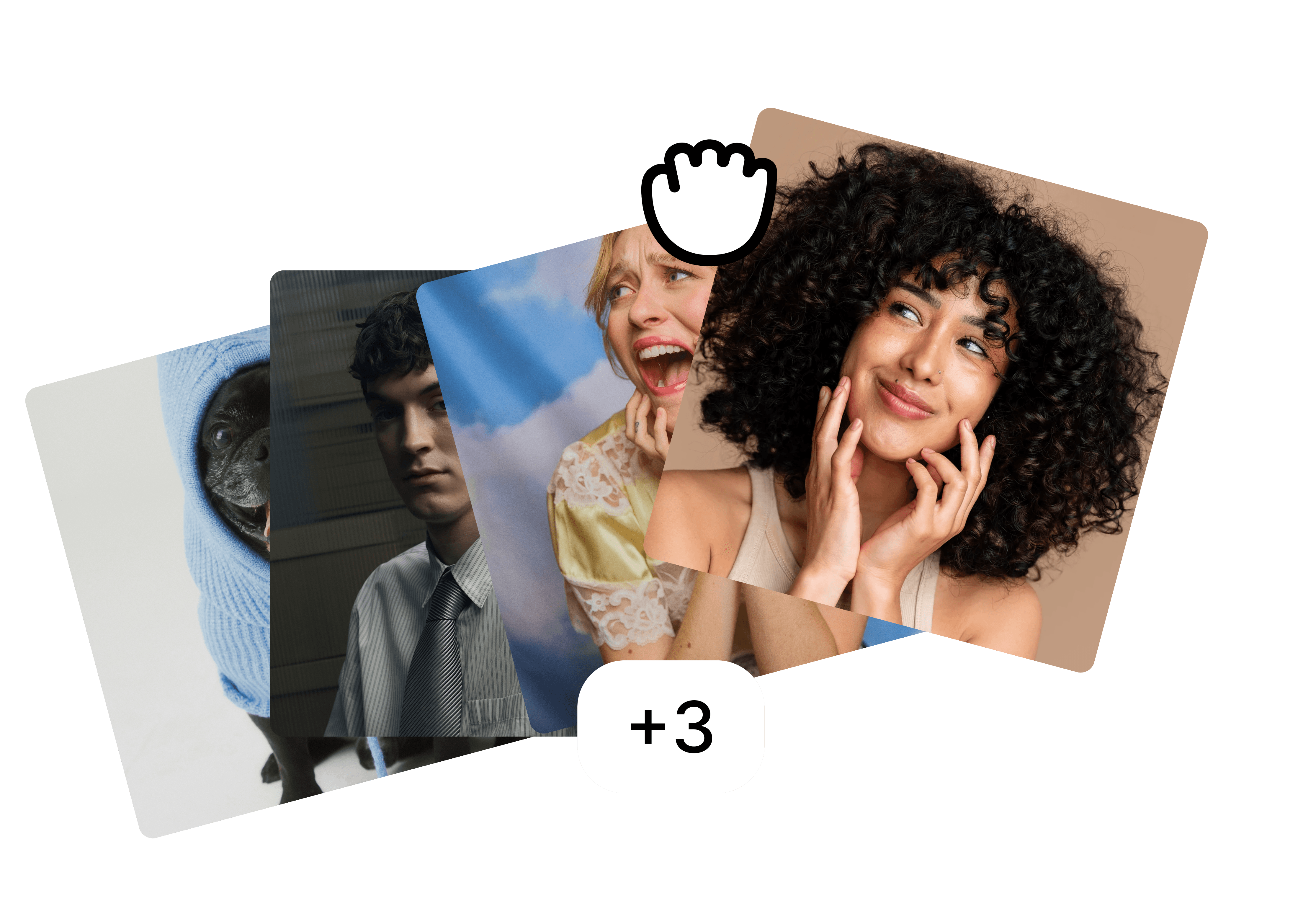
Folders
Drop the whole team in one folder and edit them as a set.
Backgrounds
A preset, your brand colour or your own image, the same for everyone.

Fill in body
⚡ 2
Filling in body…
Fill in body
Restore cut-off shoulders and align every face to the same crop.
FAQ
What resolution do we need for a website?
Should everyone face the same way?
Someone left the company. Do we redo the whole page?
More use cases
Built for the photos teams actually have.
view all



free to start · Mac app