For
HR onboarding


Mac app

free to start
one look for the whole team
export for LinkedIn, Slack and email
Same photo, one background
The photo you get.
The photo you need.

Taken at a desk on someone's first day.


The same crop and background as everyone else.





And the rest of the team on the same background, the same crop, one export.
How it works
From a folder of random photos to one matching team, in four steps.
Drop photos
Drop in the photos
Put the whole team in one folder. Backgrounds are removed automatically.
Pick a background
Choose a preset, match your brand colour, or upload your own.
Fill in body
Retouch
Fix the framing
Fill in missing shoulders and align every face to the same crop.


Export
Export the set
One click exports every photo, at a size that works for LinkedIn, Slack and email.
Good to know
The day someone starts, their face needs to appear in a lot of places: the intranet, Slack, the email signature, the team page, sometimes a press kit. All of those already contain photos of everyone else, taken over several years by several people.
a phone · a plain wall · five minutes
Take it on day one, with a phone. Stand them against any plain wall with light on their face, and shoot from eye height rather than from below. That is the whole photographic requirement, because the background gets replaced and the crop gets standardised afterwards.
Do not try to match by eye. Add the photo to the folder that already holds the rest of that team, and it inherits the background, the crop and the export sizes that were used for everyone else.
Export everything at once. The point of a set of export sizes is that onboarding does not turn into four separate exports for four separate systems.
Keep the original. Two years and one rebrand later you will want to re-export rather than re-shoot.

the app · for Mac


Features used
Three features that do the work.
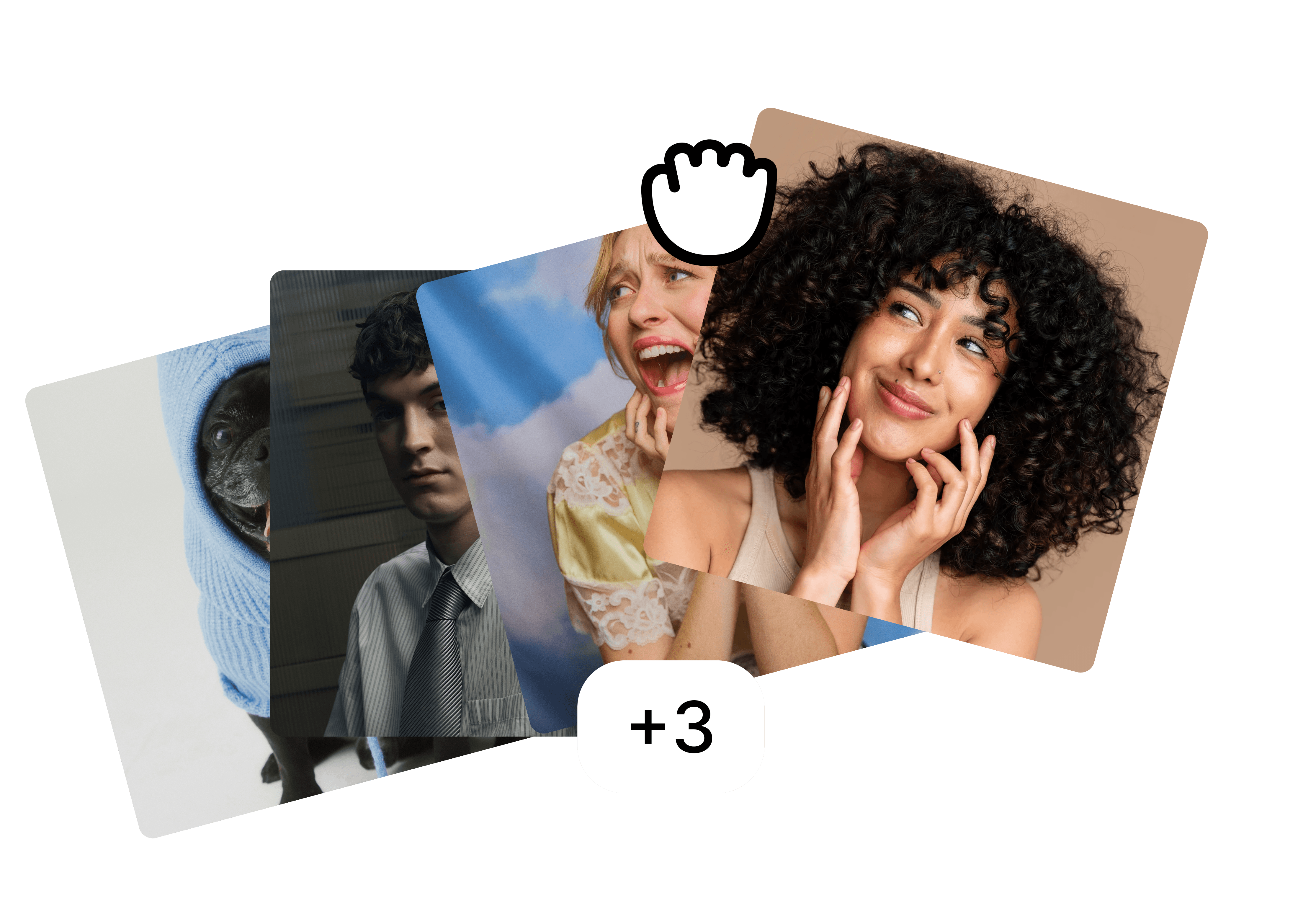
Folders
Drop the whole team in one folder and edit them as a set.
Backgrounds
A preset, your brand colour or your own image, the same for everyone.

Fill in body
⚡ 2
Filling in body…
Fill in body
Restore cut-off shoulders and align every face to the same crop.
FAQ
What if they work remotely and start from home?
Can they use a photo they already have?
Their shoulders are cut off in the photo.
More use cases
Built for the photos teams actually have.
view all


free to start · Mac app