For
brand and marketing



Mac app
free to start
one look for the whole team
export for LinkedIn, Slack and email
Same photo, one background
The photo you get.
The photo you need.
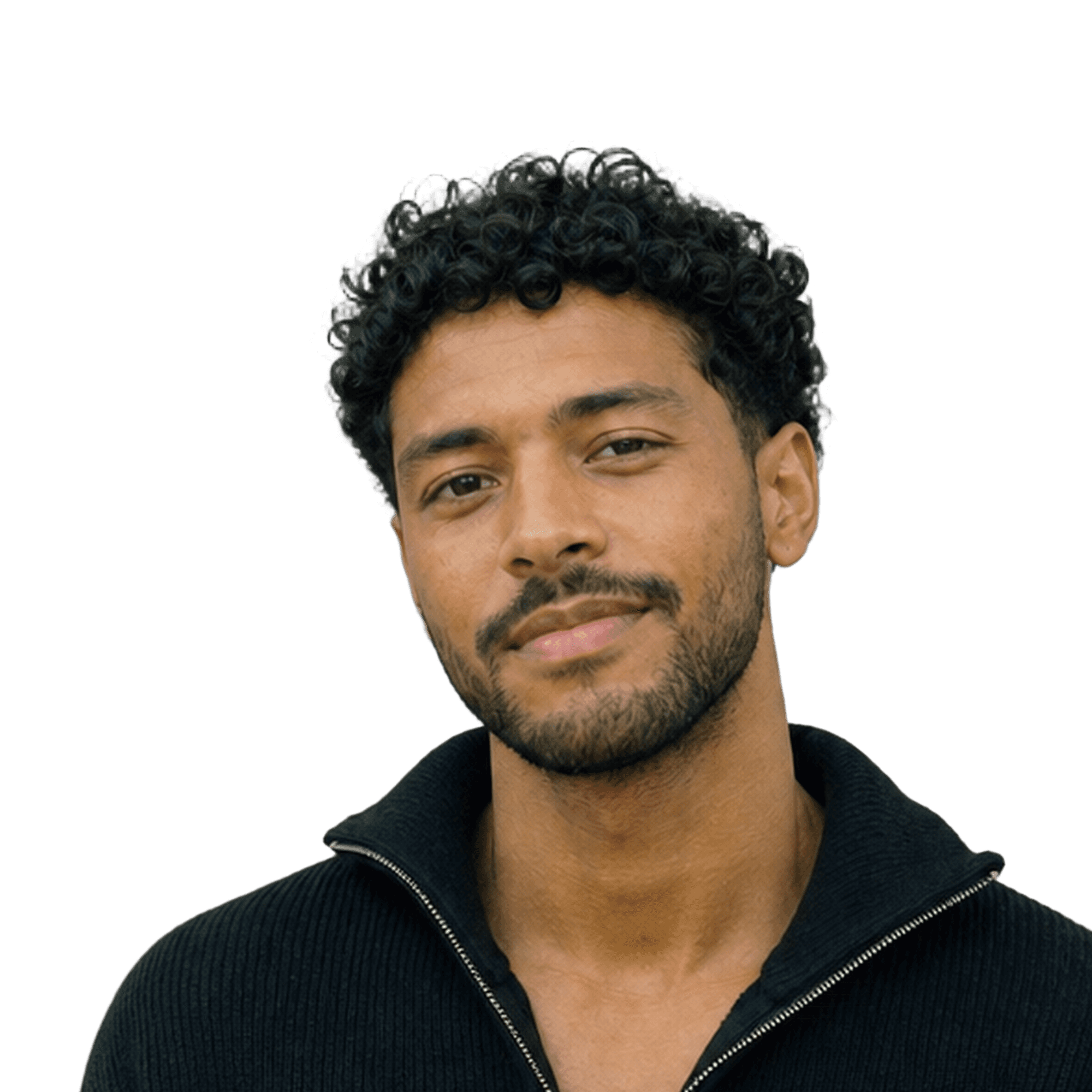
Last year's brand colour, on every portrait.
The new colour. Same crop, same people, one export.
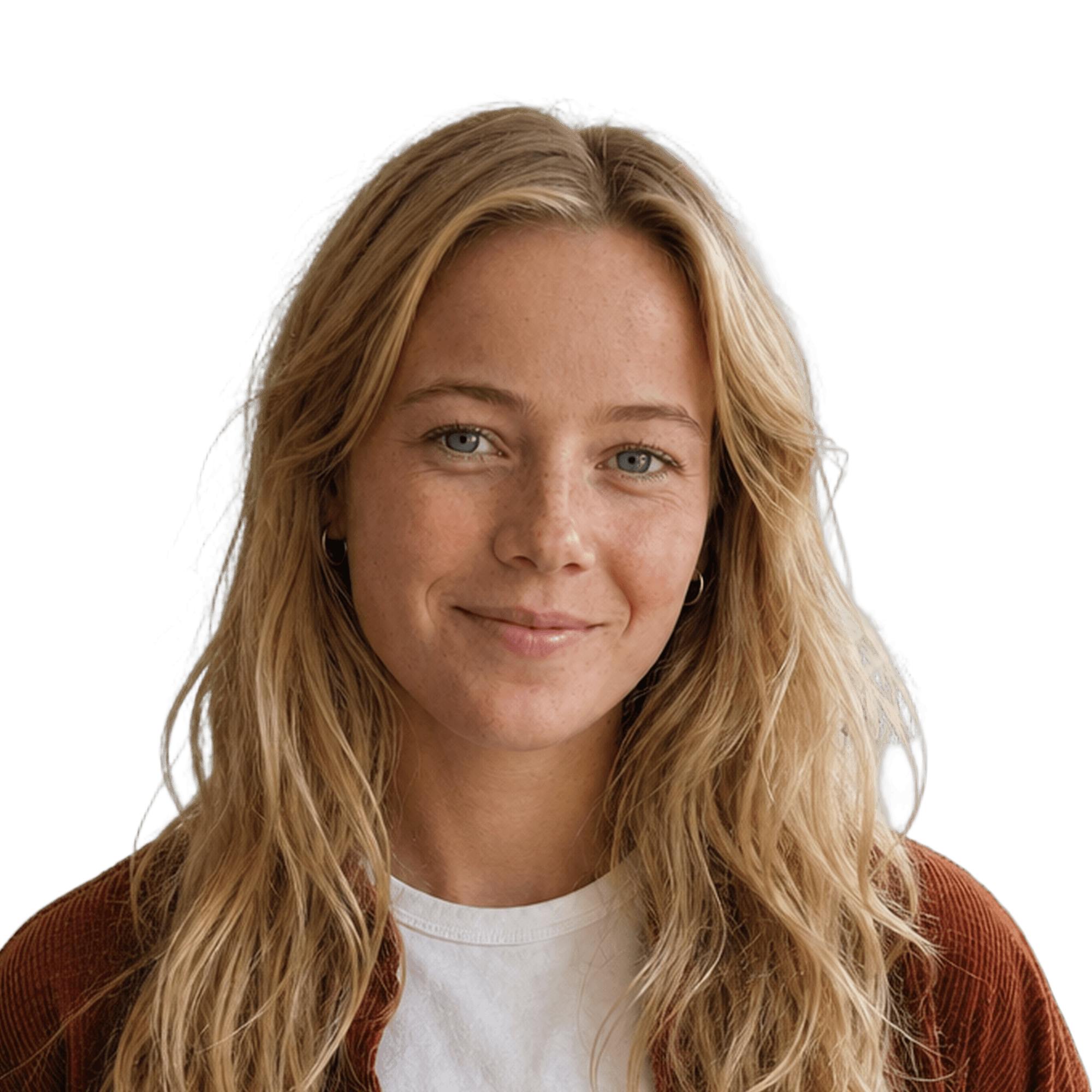



And the rest of the team on the same background, the same crop, one export.
How it works
From a folder of random photos to one matching team, in four steps.
Drop photos
Drop in the photos
Put the whole team in one folder. Backgrounds are removed automatically.
Pick a background
Choose a preset, match your brand colour, or upload your own.
Fill in body
Retouch
Fix the framing
Fill in missing shoulders and align every face to the same crop.


Export
Export the set
One click exports every photo, at a size that works for LinkedIn, Slack and email.
Good to know
A rebrand reaches further than the logo. The moment the brand colour changes, every portrait sitting on the old background is visibly out of date: the team page, the intranet, the signatures, the deck template, the press kit.
change the colour · keep the crop · re-export everything
This is the moment consistency pays back. If your portraits live as a set with a background setting, changing the colour is a setting change and a re-export. If they live as thirty finished JPEGs in a shared drive, it is thirty manual jobs.
Change the background, keep the crop. People recognise the framing more than the colour. Keeping the crop identical means the new set reads as the same team in new clothes, rather than a new team.
Do the whole set in one pass, including people who joined since the last round. A rebrand where four portraits still sit on the old colour is worse than not doing it at all.
Re-export every size you use, not only the website. Signatures and Slack are the two places that quietly keep the old brand alive for months.

the app · for Mac


Features used
Three features that do the work.
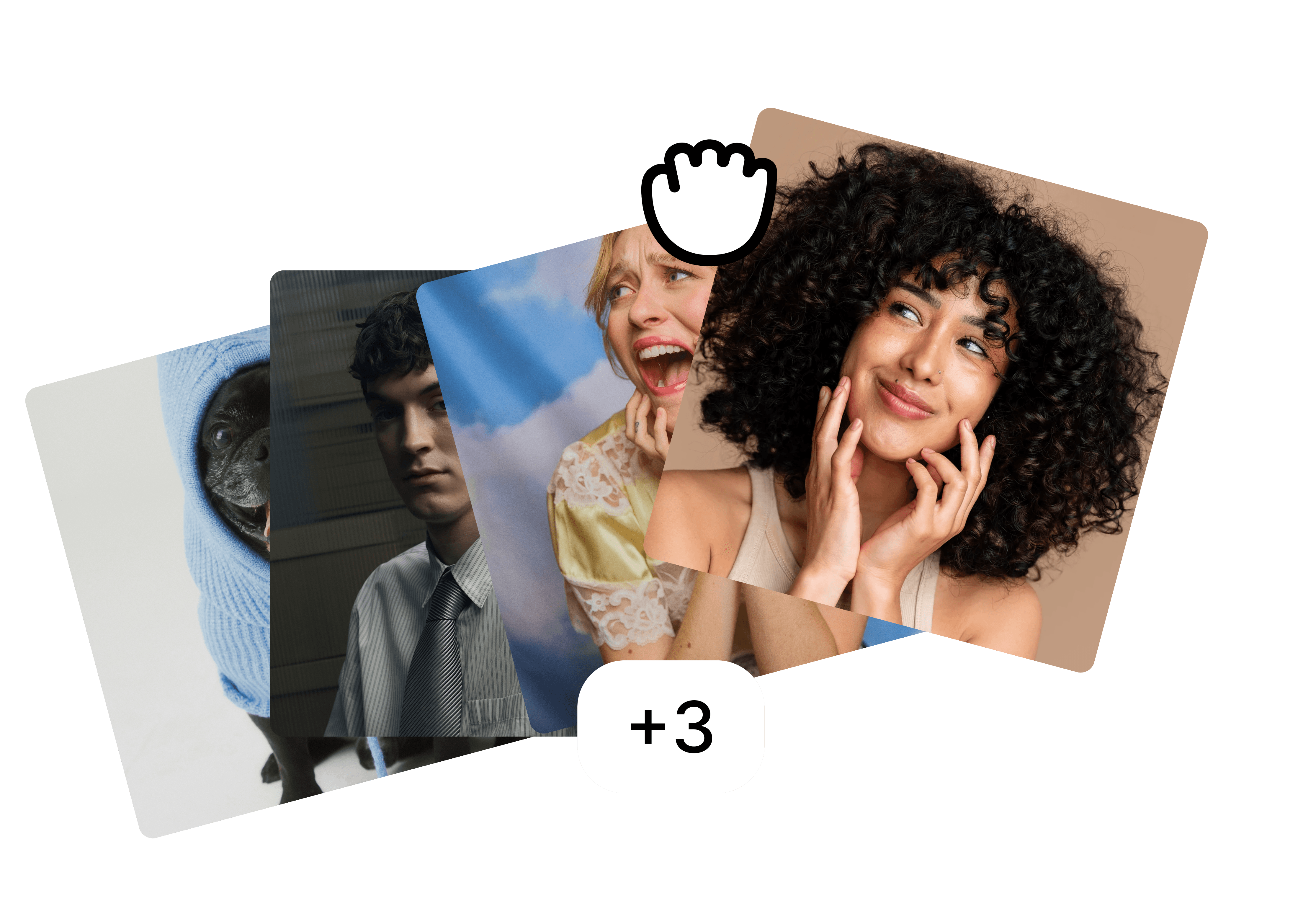
Folders
Drop the whole team in one folder and edit them as a set.
Backgrounds
A preset, your brand colour or your own image, the same for everyone.

Fill in body
⚡ 2
Filling in body…
Fill in body
Restore cut-off shoulders and align every face to the same crop.
FAQ
Do we need to re-photograph anyone?
What if we only have the finished, already-cut-out files?
How long does this take for a team of thirty?
More use cases
Built for the photos teams actually have.
view all

free to start · Mac app