For
Mac users

Mac app
free to start
one look for the whole team
export for LinkedIn, Slack and email
Same photo, one background
The photo you get.
The photo you need.
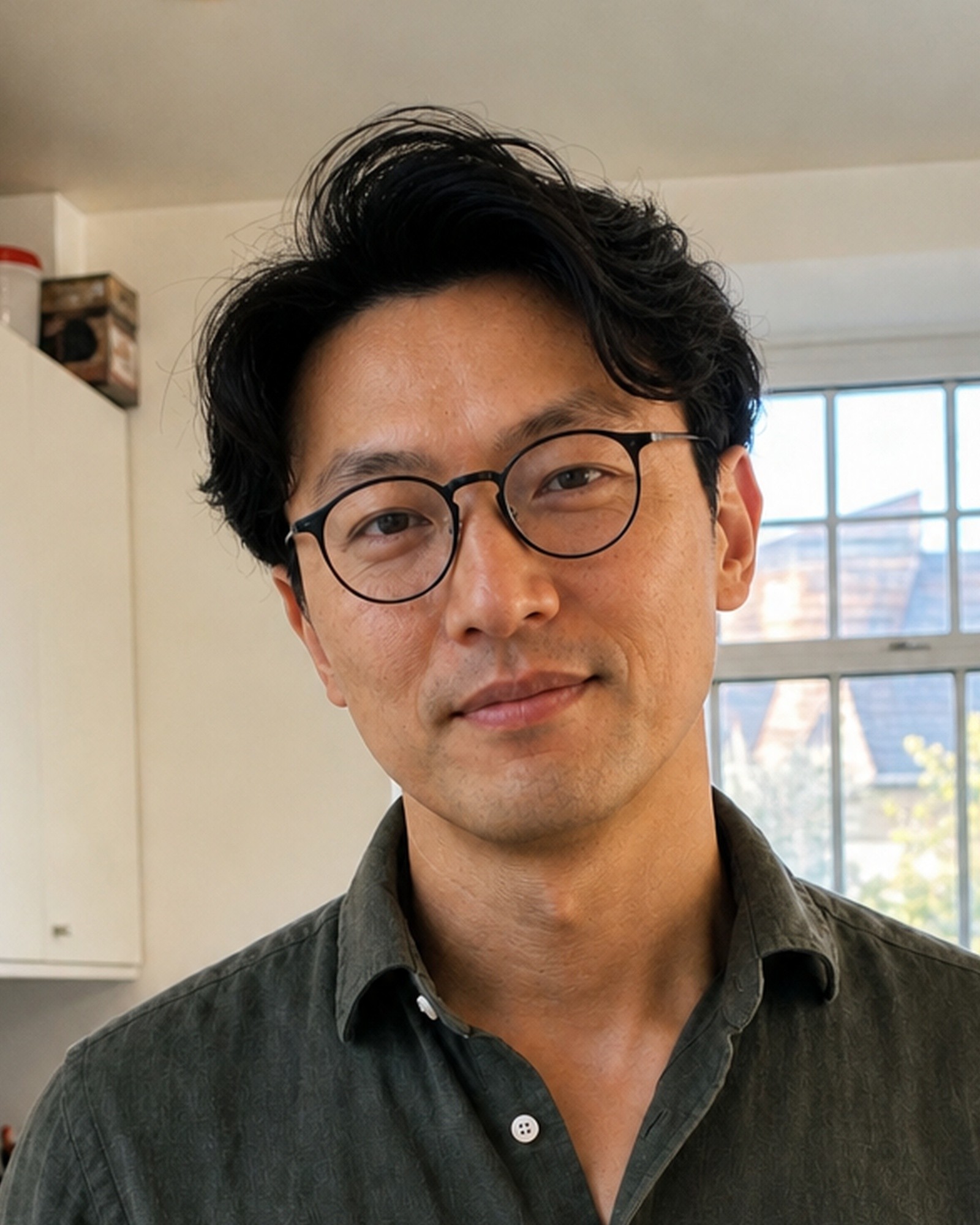
Taken in his kitchen, kettle and all.

Background removed on his own Mac.
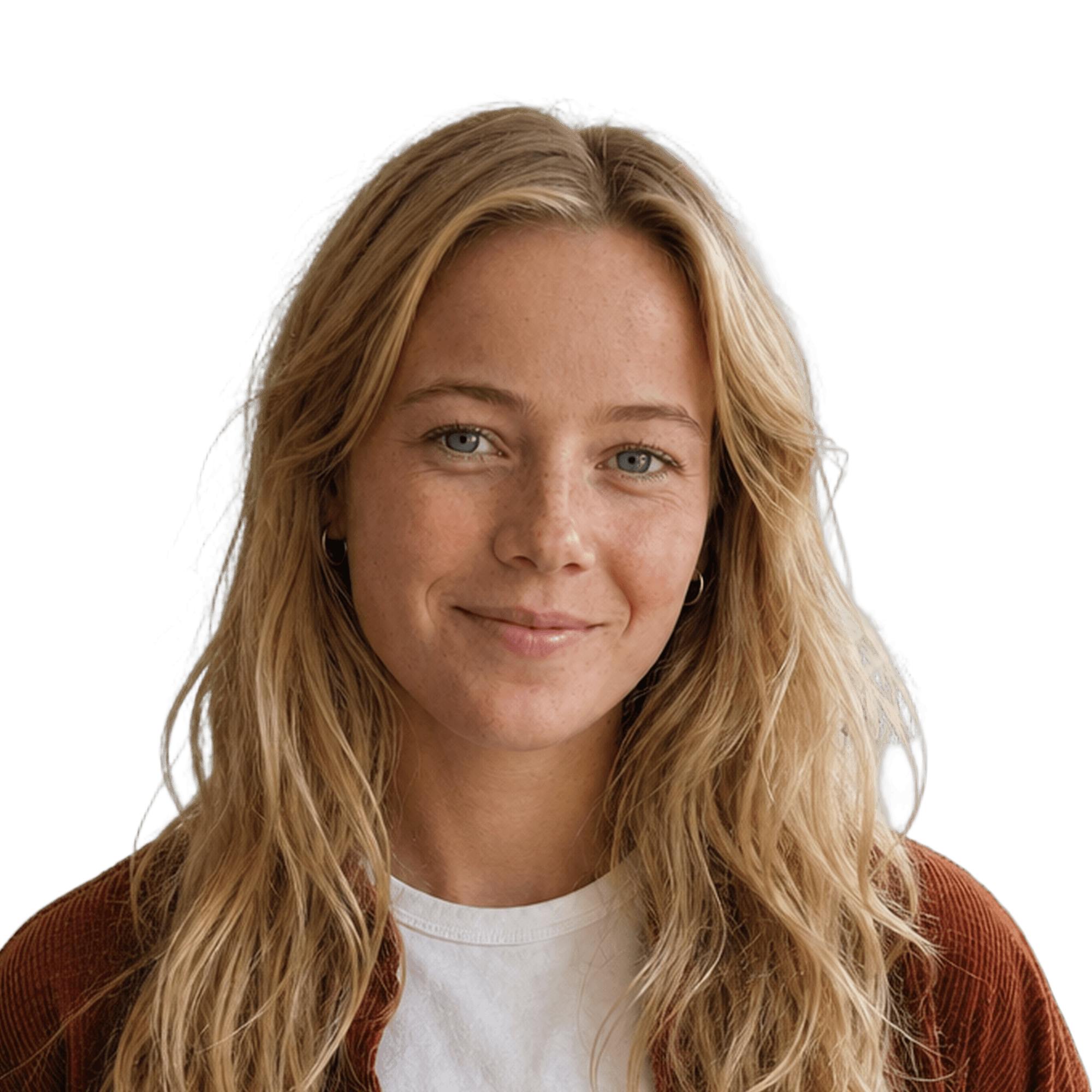
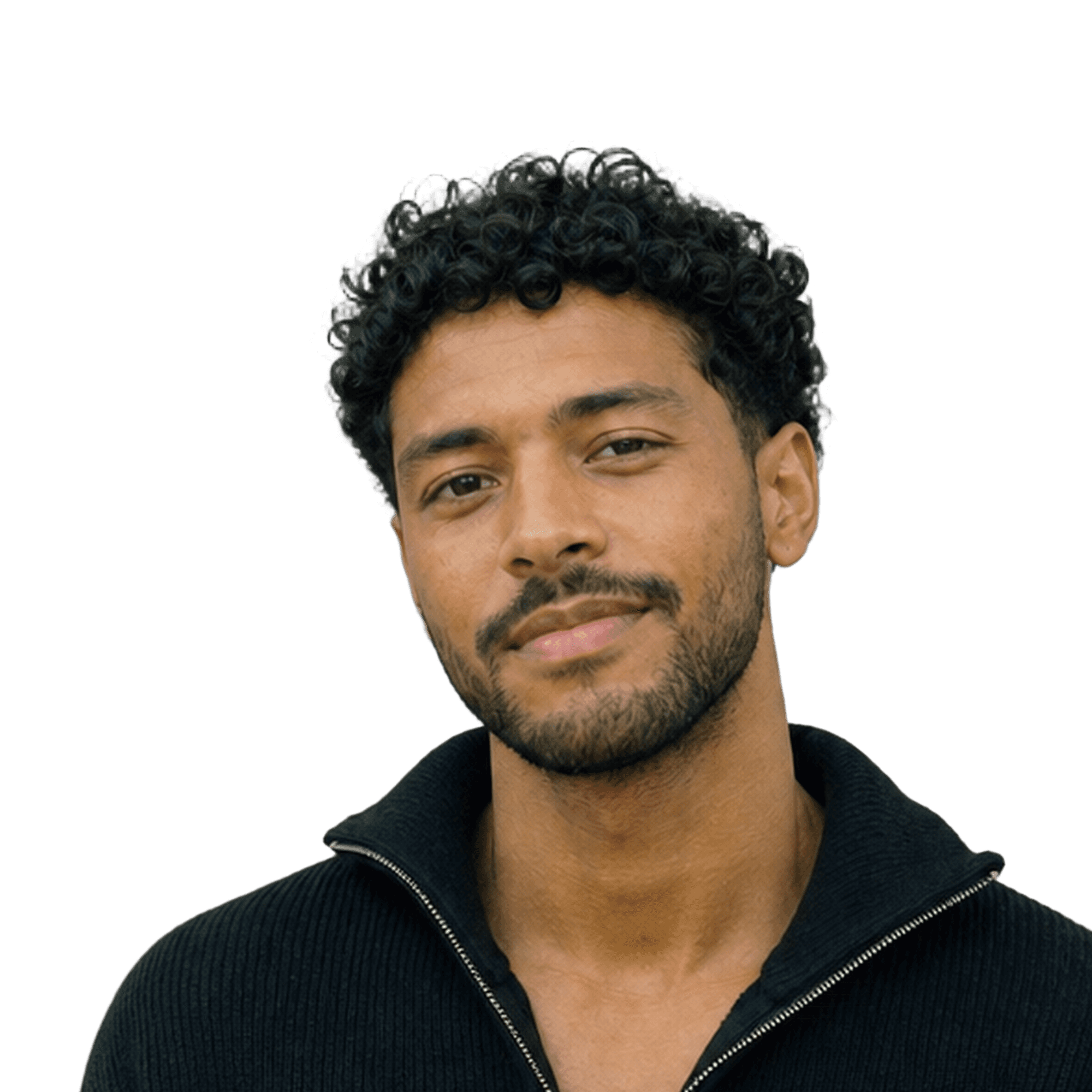



And the rest of the team on the same background, the same crop, one export.
How it works
From a folder of random photos to one matching team, in four steps.
Drop photos
Drop in the photos
Put the whole team in one folder. Backgrounds are removed automatically.
Pick a background
Choose a preset, match your brand colour, or upload your own.
Fill in body
Retouch
Fix the framing
Fill in missing shoulders and align every face to the same crop.


Export
Export the set
One click exports every photo, at a size that works for LinkedIn, Slack and email.
Good to know
Removing a background is a one-click operation almost everywhere by now. The question worth asking is where that click happens: on your own machine, or on somebody else’s server.
automatic · cloud edits optional
In Aaavatar the background removal runs on your Mac, using the same subject detection Apple builds into macOS. That step stays on the Mac. Only the optional cloud edits send a photo out, and you choose those per photo, which is a different conversation with your security or privacy officer than “everything goes to an API”.
Hair is where every cutout tool is judged. Curls, flyaway strands and hair against a busy background are the hard cases. The on-device pass handles most portraits well; for the difficult ones Aaavatar uses a stronger model it downloads once, and that one runs on your Mac too.
Batch matters more than the individual cutout. Cutting out one person is quick anywhere. Cutting out a set of eighteen and giving them all the same background, crop and export sizes is the actual job.

the app · for Mac


Features used
Three features that do the work.
Folders
Drop the whole team in one folder and edit them as a set.
Backgrounds
A preset, your brand colour or your own image, the same for everyone.

Fill in body
⚡ 2
Filling in body…
Fill in body
Restore cut-off shoulders and align every face to the same crop.
FAQ
Which features use the cloud?
What if the cutout gets the hair wrong?
Does this work on Windows?
More use cases
Built for the photos teams actually have.
view all




free to start · Mac app